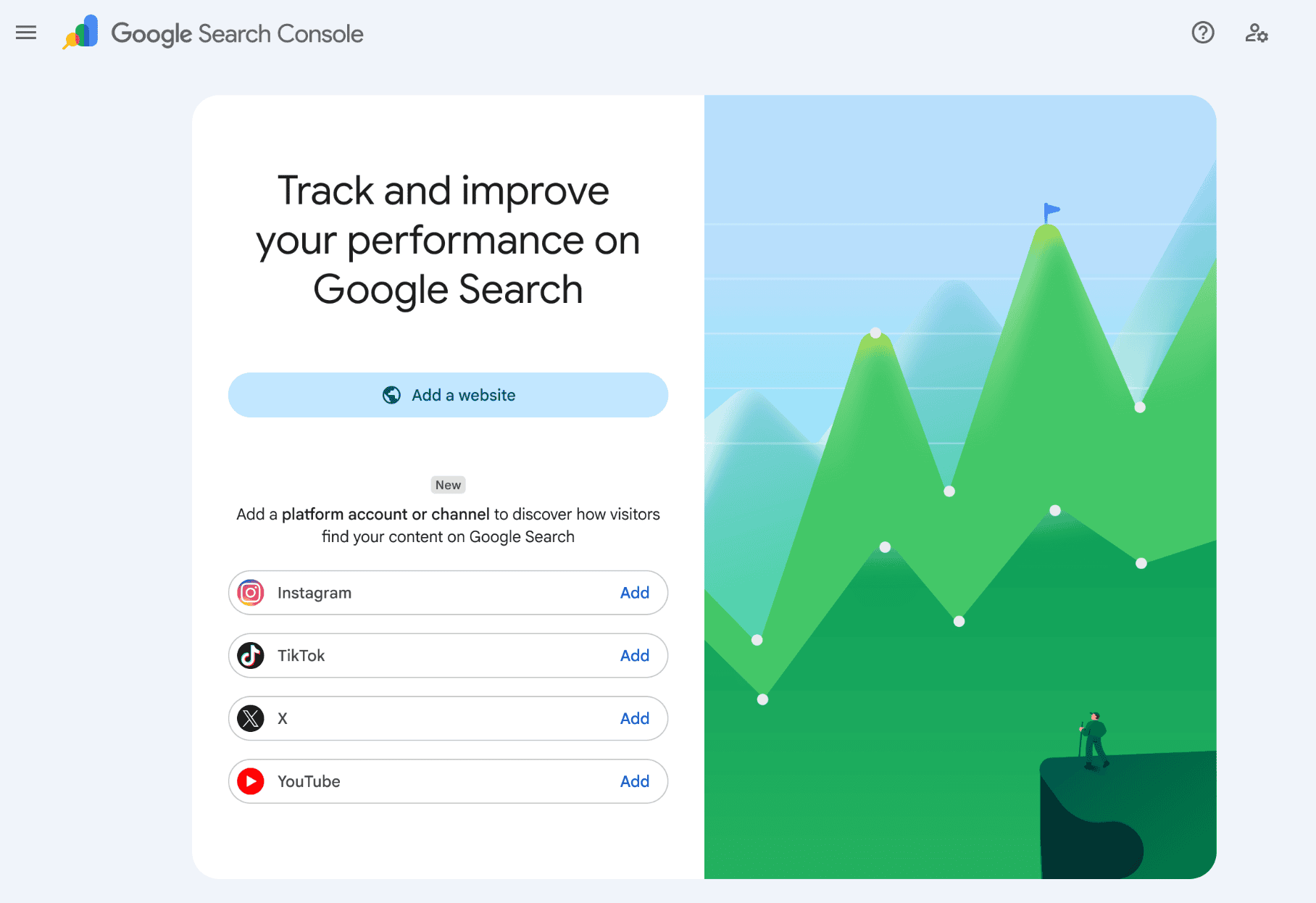
The new Google Search Console update goes beyond just your website data to gather insights on other channels such as X, TikTok, Instagram & YouTube.
In this guide:
Google states:
‘we want to make it easier for site owners and creators—even those without their own website—to get a consolidated view of how all of their content is getting discovered on Search’ (Google Search Central 2026).
How To Access This Update
Follow the below steps to help you gain access to the new Google Search Console update – platform properties feature.
1. Go to Search Console
Log into your account at search.google.com/search-console.
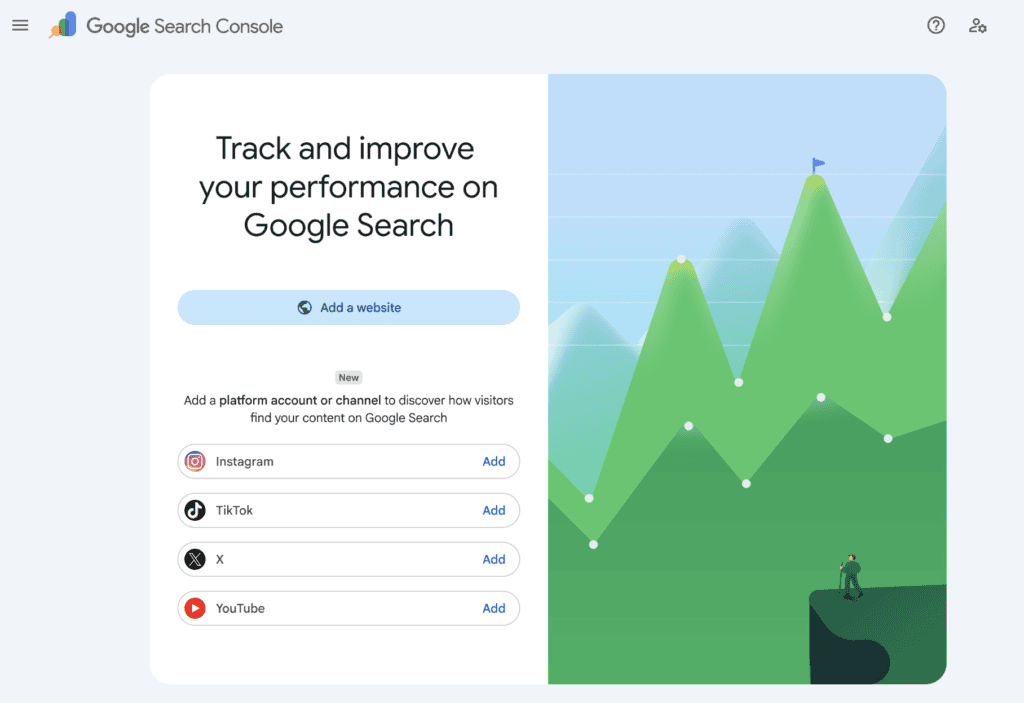
2. Add a platform property
Either:
- Go to the Search Console welcome screen, or
- Open the property selector dropdown in the left sidebar and click Add property
3. Choose your platform
Click Add next to the platform you want (Instagram, TikTok, X, or YouTube), then follow the on-screen prompts.
4. Authorise the connection
Log into the social account when prompted and grant Google access to verify ownership.
5. Confirm and finish setup
Once verified, you’ll see a confirmation message. Click Go to property to complete setup.
6. Wait for data to populate
It takes a few days for performance data to appear, so don’t worry if reports look empty at first.
Why Can’t I See The Platform Properties Feature in my Google Search Console?
The Google Search Console update has already been rolled out to the UK but in true Google fashion much like the generative AI feature, it can still take a while for it to roll out to your account, so don’t panic if you can’t access the platform property feature. Make sure to keep checking back and keep these steps in mind for when you can.
What Does the Platform Properties Report Show You?
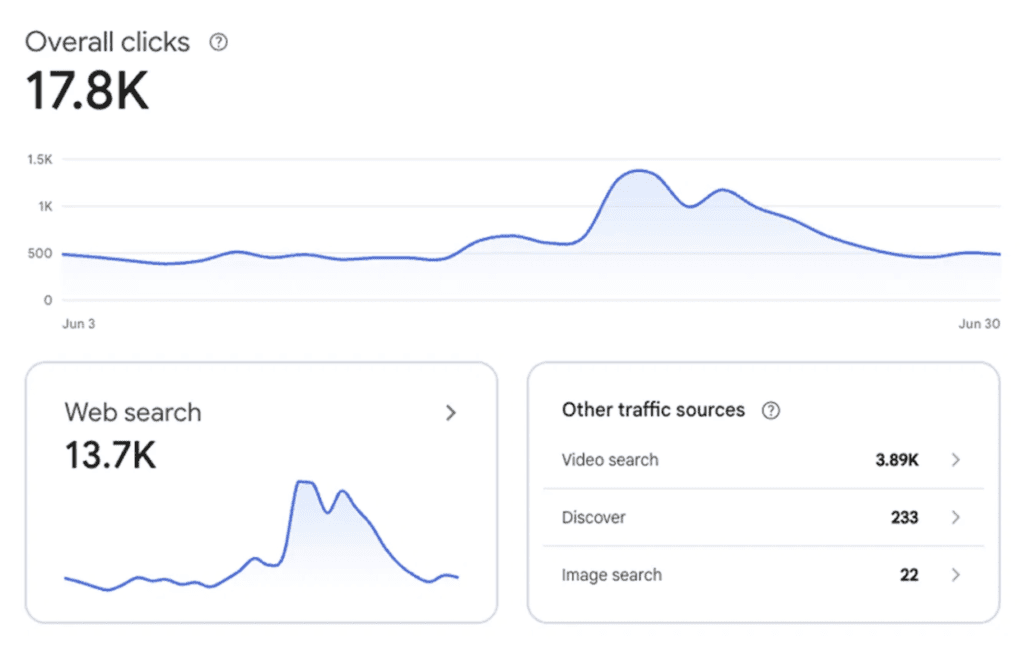
The platform properties feature shows your total clicks, impressions, and other key metrics, with filters so you can see exactly which posts and queries are driving the most traffic.
It also includes an Insights report, which lets you view recent traffic trends, top-performing posts, and how people discover your account on Google.
Lastly, it tracks your growth, such as reaching a new threshold for total clicks from Google Search over the last 28 days.
Google has also stated that if you’re using other tools to analyse your data these platform property reports can be exported.
Why Should I Use GSC’s New Platform Properties Feature?
The new Google Search Console update isn’t just about seeing who’s interacted with your posts, it’s a missing piece of the picture. For the first time marketers can see how their social content gets discovered through Google Search itself, not just within the native platform.
As we know from SEO and marketing in general, discovery is only one part of the journey, but it’s a part that’s been a black box until now. With this new platform properties data, marketers can start connecting the dots between what people search for and what content actually gets found, and build content strategies around it.
Let us Help You Make Sense Of It
Platform properties are new, and most brands haven’t started using this data yet. That’s an advantage if you move early. Our team can help you get every account connected, set up proper reporting, and turn that discovery data into content decisions that actually move the needle.
Get in touch and we’ll help you figure out what this means for your strategy.

Still need some guidance?
We’ll help you figure out what the new google update means for your strategy.